Everything you need to master Network+ theory, control the systems and ace the exam.
Unlock Your Full Potential as a Network Engineer.
Become the CompTIA network engineer every business needs and admires.

ORIGINAL DATA SOURCE

ACCURATE, COMPLETE & CURRENT

THE POWER BEHIND YOUR SUCCESS

12 DAY SUCCESS PLAN
Genuine CompTIA Instructor Led Training Options.
Secure your training time and accelerate your network learning and technical abilities in just 12 days! Mastering the N10-009 exam quickly will significantly boost your career. The 12 Day Masterclass provides everything you need to master Network+ theory, control systems, and ace the exam.
The 5-day Official CompTIA Network+ Course ensures a comprehensive understanding, helping you achieve a solid network foundation in systems and best practices. The Exam Prep Masterclass, designed for those who have earned CompTIA Training ROI’s 1 & 2, will swiftly advance your networking knowledge and prepare you to pass the exam by Friday.
Maximize your CompTIA training ROI and advance your career fast!
LESSON 1.
Explaining Network Topologies.
Lesson time: 4 hours 40 minutes, excluding a 30-minute coffee break.
Master:
1.1. Networking Overview
1.2. OSI Model Concepts
1.3. SOHO Networks
1.4 Troubleshooting Methodology
1.5. Module Quiz
LESSON 2.
Supporting Cabling and Physical Installations.
Lesson time: 7 hours 53 minutes, excluding coffee breaks & lunch.
Master:
2.1. Ethernet
2.2. Copper Cables and Connectors
2.3. Wiring Implementation
2.4. Fiber Optic Cables and Connectors
2.5. Physical Installation Factors
2.6. Cable Troubleshooting
2.7. Module Quiz
LESSON 3.
Configuring Interfaces and Switches.
Lesson time: 6 hours 7 minutes, excluding coffee breaks & lunch.
Master:
3.1. Network Interfaces
3.2. Ethernet Switches
3.3. Switch Port Configuration
3.4. Switch Troubleshooting
3.5. Module Quiz
3.6. Checkpoint Review
LESSON 4, part 1
Configuring Network Addressing - Part 1.
Lesson time: 4 hours 55 minutes, excluding a 30-minute coffee break.
Master:
4.1. Internet Protocol Basics
4.2. IP Version 4 Addressing
4.3. IP Version 4 Subnetting
4.4. IP Troubleshooting Tools
LESSON 4, part 2
Configuring Network Addressing - Part 2.
Lesson time: 4 hours 33 minutes, excluding coffee breaks & lunch.
Master:
4.5. IP Version 6
4.6. IP Troubleshooting
4.7. Module Quiz
LESSON 5.
Configuring Routing and Advanced Switching.
Lesson time: 6 hours 46 minutes, excluding coffee breaks & lunch.
Master:
5.1. Routing Technologies
5.2. Dynamic Routing Technologies
5.3. Network Address Translation
5.4. Firewalls
5.5. Enterprise Network Topologies
5.6. Virtual LANs
5.7. Routing and VLAN Troubleshooting
5.8. Module Quiz
LESSON 6, Part 1
Implementing Network Services - Part 1.
Lesson time: 6 hours 34 minutes, excluding a 30-minute coffee and lunch breaks.
Master:
6.1. Transport and Application Layer Protocols
6.2. Dynamic Host Configuration Protocol
6.3. APIPA and SLAAC
6.4. DHCP Relay and Troubleshooting
LESSON 6, Part 2
Implementing Network Services - Part 2.
Lesson time: 5 hours 20 minutes, excluding coffee break & lunch.
Master:
6.5. Domain Name System
6.6. DNS Troubleshooting
6.7, Module Quiz
6.8, Checkpoint Review
LESSON 7
Explaining Application Services.
Lesson time: 6 hours 17 minutes, excluding coffee breaks & lunch.
Master:
7.1. Application Security and Time Synchronization
7.2. Web, File, Print, and Database Services
7.3. Email and Voice Services
7.4. Disaster Recovery and High Availability
7.5, Module Quiz
Achieve CompTIA Training ROI 4: Certified with the knowledge & ability CompTIA intended.
CompTIA 12 Day Network+ Masterclass
10 days of instructor-led training (ILT), including the official Network+ course and a 5-day exam prep masterclass, you’ll be well-prepared to achieve Network+ ROI’s 1-4 & Exam Prep KPI's 1-7. The inclusion of the CompTIA Student Success Kit and a free exam voucher adds even more value, potentially boosting your training ROI by 5x or more.
£3,500.00 + VAT
In-class or virtual training? Secure your spot today! You'll always have a superior experience in-class at our Ashford, Kent training centre.
CompTIA Training ROI 1: Gain a comprehensive understanding and achieve a broad, solid foundation in networking theory, investigate the systems and best practices.
CompTIA Official 5-day Network+ Course
The CompTIA Network+ Official 5-day course is the quickest path to start mastering networking theory. You’ll gain access to over 140 labs to hone your skills and make an excellent start towards exam readiness. The course includes the CompTIA Student Success Kit, providing everything you need to conquer the N10-009 exam, plus a free exam voucher.
£1,875.00 + VAT
In-class or virtual training? Secure your spot today! You'll always have a superior experience in-class at our Ashford, Kent training centre.
CompTIA Training ROI 4: Advance your technical understanding and abilities far beyond the average CompTIA Network+ student and pass your N10-009 exam on Friday.
CompTIA Network+ Exam Prep 5-day Masterclass
The CompTIA Exam Prep Masterclass is designed for students with a comprehensive understanding of course theory who have completed the first 5 Exam Prep KPIs. It guides them through achieving KPIs 6 & 7. Successful completion prepares delegates to use their free exam voucher for the exam on Friday. The course also includes a free access license to CompTIA CertMaster Practice for exam N10-009.
£1,750.00 + VAT
Important! This is an exam prep course, and like all exam prep courses, it assumes you have already achieved a comprehensive understanding and ability with the systems. Refer to ROI’s 1-3 for more details.
In-class or virtual training? Secure your spot today! You'll always have a superior experience in-class at our Ashford, Kent training centre.
Avoid the worst technical training practices in the Computer Technology Industry.
TRUST COMPTIA & INVEST YOUR TIME, EFFORT & TRAINING FUNDS WELL.
-
Out of Date
Most CompTIA training materials on the market are for retired versions of the exams.
-
No labs or poor labs
Accurate & complete labs are essential to safely gain current systems experience & ability.
-
Exam Retired
Avoid training for a CompTIA exam that has or will retire before you can pass it.
-
Reduced Time
CompTIA courses are 5-days, a 4-day course cuts 20% out of your training experience.
-
No CompTIA PBQs
CompTIA Performance Based Questions prepare you to deal with complex issues & exam.
-
Focuses on Exam
Exam prep courses focus on an exam pass and fail to deliver all the knowledge and ability.
AVOID KNOWN COMPTIA TRAINING ISSUES!
THIRD PARTY COMPTIA TRAINING KIT IS ALWAYS A COMPROMISED COPY.
AT SYSTEMS MASTER, WE PROVIDE YOU WITH TRAINING, TOOLS AND SUPPORT TO HELP AVOID BECOMING THE COMPANY'S NEXT INSIDER RISK.
PLAN, LEARN, PASS
THREE SIMPLE STEPS TO MASTER COMPTIA THEORY, SYSTEMS AND EXAM.
Passing CompTIA exams is much easier when your technical knowledge is aligned to industry best practice, and you have the experience and ability to manage the core business systems.
STEP 01 PLAN
-
Assess and select the CompTIA training ROI you need.
-
Identify the best training and tools for the job.
-
Embed The CompTIA SMART Success Plan into your diary to secure the training time you need.
-
Alternatively secure the training time you need in class and let your trainer take the strain.
STEP 02 LEARN
-
Attend the official CompTIA course, to achieve ROI 1.
-
Complete CertMaster Labs a second time to achieve Exam Prep KPI 3.
-
Complete CertMaster Learn to achieve Exam Prep KPI 5.
-
CompTIA Exam Prep KPI 5 is to achieve 87.5% from the CertMaster Learn 90 minute Final Assessment.

STEP 03 PASS
-
Start your Exam Prep Phase. 5 ILT days or self-study.
-
Up skill fast with CertMaster Practice to achieve Exam Prep KPI 6.
-
Exam Prep KPI 7 is to achieve 87.5% from the CertMaster Practice Final Assessment, your second 90-minute exam practice test.
-
Exam Friday of week 2, If you have invested in Systems Master courses or SMART home study.
LEARN MORE, RETAIN MORE, ACHIEVE MORE, BE MORE!
Designer of The CompTIA SMART Success Plan
MARTIN DYER
We focus on helping you achieve the best training outcomes possible. I understand the level of disappointment caused by bad and limited technical training services and continue to work hard to ensure you avoid the bad CompTIA training options available on the market.
-
Miss-Selling is an Industry Wide Curse
In 1995 I invested a £2450 loan from my Gran to re-train and become a Microsoft Certified Systems Engineer for Windows 3.51. Seven exams to pass and 8 doorstep size, self-study books to master. After investing weeks, working 12+ hours per day, I was told that all the Windows NT 3.51 exams had been retired over a year before.
-
Source Your CompTIA Training With Care
‘Caveat Emptor.’ Buyer Beware, when investing in CompTIA training. The training industry knows that third party CompTIA training and training kit are always behind the curve and cannot be accurate.
-
Not All CompTIA Training Courses Are Fit For Purpose
At Systems Master, we guarantee your training course and kit are current, accurate and complete as everything comes direct from CompTIA.
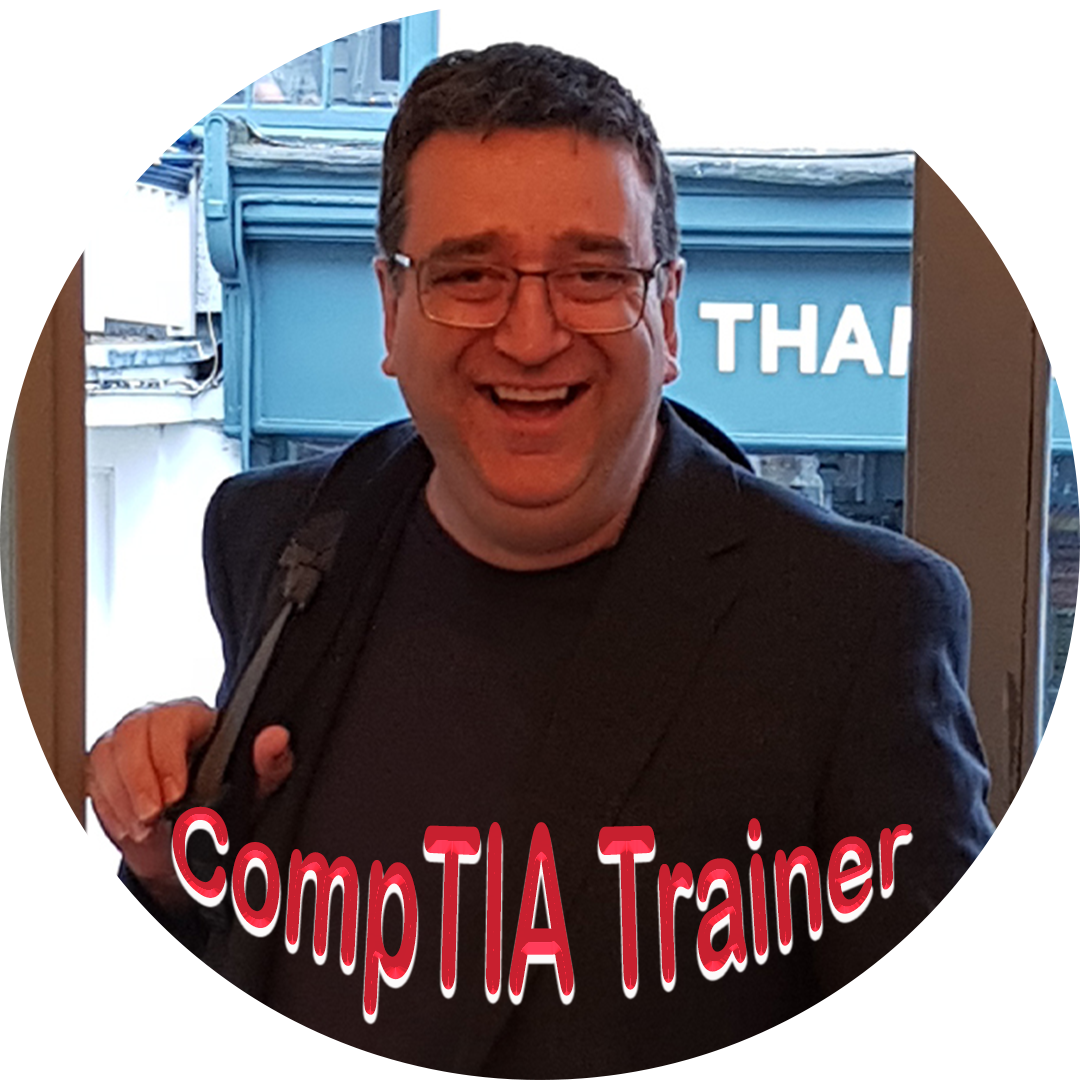
Microsoft Certified Systems Engineer since August 1999
CompTIA Certified since April 2001
I am happy to help you with any CompTIA training questions you might have. Click the link below to get in touch.
SMA
Systems Master Advantage
-
Official CompTIA Courses
Always accurate, complete and current.
-
The CompTIA SMART Success Plan
The process to master the course theory, systems and ace the exam in days rather than months, years or never.
-
The CompTIA Student Success Kit
Three CompTIA next generation training systems to secure expert knowledge and safe, proficient technical ability over the industries most critical systems.
-
The CompTIA Exam Lifetime Guarantee
Guaranteed course training support until you pass the exam, the exam is retired, or you give up and unsubscribe.
-
7 CompTIA Exam Key Performance Indicators
Follow the CompTIA SMART Success plan and complete each Exam Prep KPI in order to build your technical ability, systems mastery and know when you are optimally primed to sit the exam.
-
CompTIA Exam Voucher.
One FREE CompTIA exam voucher with every Systems Master course. You will need this to book your CompTIA exam.
Everything you need to master the course theory, systems and ace the exam.

© Copyrights by Systems Master Limited. All Rights Reserved.

Copyright © 2026
Systems Master Limited All rights reserved
Stay Connected